
Adding a Feature to Legacy Software
You've finally remembered how the software works.
Excellent.
You've rediscovered the relevant forms and modules. You've traced the data. You've worked out why that strange-looking bit of code wasn't quite as strange as you first thought.
The architecture is starting to make sense again.
Now somebody wants you to change it.
"Can we just add a little feature?"
Of course we can.
How hard could it possibly be?
And somewhere, deep inside the application, seventeen completely unrelated routines begin to laugh.
Adding a feature to legacy software is where a seemingly small request can begin to reveal everything it touches.
It's Only a Small Change
Some software changes really are small.
Change a label. Adjust a default value. Add another option to a list.
Five minutes. Job done.
Sometimes.
The problem is that you don't necessarily know which kind of "small change" you're dealing with until you start looking.
Take something apparently straightforward.
"Could we add another field here?"
Certainly.
Add a field to the form.
Except the value needs to be saved somewhere.
Ah.
So the underlying data structure needs to accommodate it.
Then the value needs validating. Perhaps an existing calculation uses it. It needs to appear when a record is loaded. Reports or exports may need it. And older records won't contain it at all.
Our "one extra field" has started making friends.
That's the thing about established software. The feature the user sees may be only the visible end of a much longer chain.
"It's only another checkbox."
Perhaps.
Drawing the checkbox is the easy bit.
The same goes for a new button. Drawing the button and giving it a nice caption isn't really the feature. What happens when somebody clicks it is.
The real question is what changes elsewhere in the application as a result.
Follow the Ripples
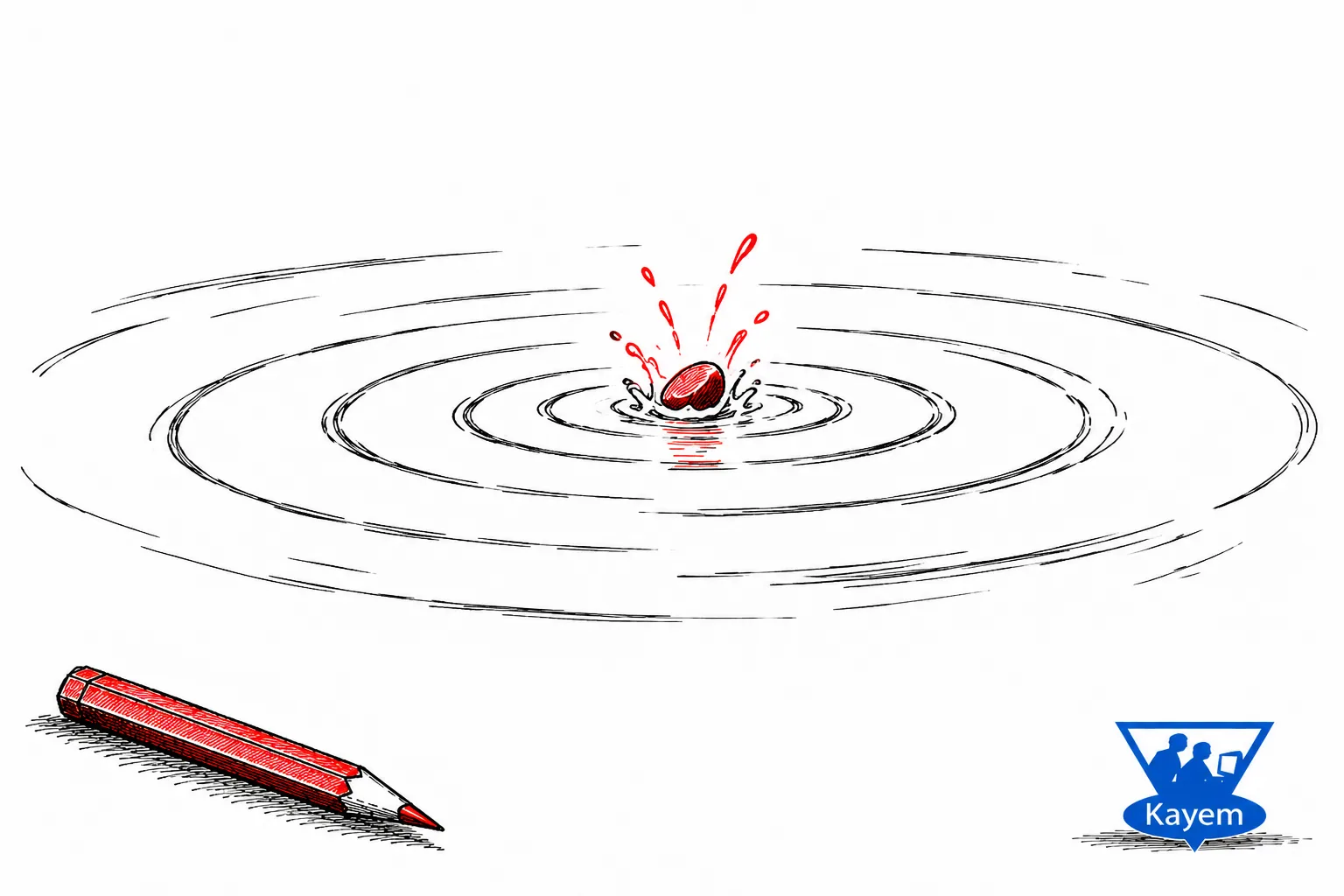
The new feature pebble isn't being dropped into a void.
It's sploshing into a system pond with existing data, dependencies, workflows, and long-standing rules.
And that creates ripples.
Some stop nearby. Others travel rather further than expected.
Then an obscure routine you haven't thought about for years quietly appears, still assuming the world works exactly as it did before you changed it.
Hello again.
This doesn't mean every feature affects everything.
Usually it doesn't.
The important part is finding out which ripples matter before you start making changes.
If I understand how the application fits together, I can follow the likely consequences rather than simply changing the first piece of code I find and waiting to see what complains.
Tempting though that occasionally is.
Business Rules Are Usually Hiding Somewhere
The code itself is only part of the problem.
Established software often contains years of accumulated business rules.
Some are obvious. Some are documented.
And some are represented by a perfectly innocent-looking If statement written fifteen years ago for a very good reason that nobody has mentioned since.
Until you change something that depends on it.
A request that sounds technically simple can therefore turn into a business question.
"Can this value now be changed?"
Technically?
Probably.
But was there a reason it couldn't be changed before?
Hmm.
Suddenly we're not asking how do I change this value?
We're asking what does changing this value mean?
That's a much better question.
Old Data Has a Vote Too
New features have another awkward habit.
They arrive today, but the software already contains yesterday.
Perhaps years of yesterday.
If I add a new field, status, calculation, or relationship, the current application can understand it. Older data can't magically travel forward in time and provide information that didn't exist when it was created.
Sometimes a sensible default is enough. Sometimes the value can be derived from existing information. Sometimes the software simply needs to understand that older records don't contain it.
Whatever the solution, existing data has to remain part of the conversation.
A feature can work perfectly on the shiny new test record you've just created and behave rather differently when introduced to fifteen years of real data.
The past has an annoying tendency to turn up during testing.
Software Doesn't Live in a Project Folder
The effects of a feature can also escape the application itself.
There may be documentation, database structures, report templates, configuration files, imports, exports, or other applications that rely on its data.
The source code might compile perfectly while something three steps further down the chain has quietly stopped working.
Which rather takes the shine off the successful compile.
That's particularly true of mature business applications. Over time, they become part of a wider working environment.
Changing the software can therefore mean understanding that environment too.
Investigate First, Then Change
None of this is an argument against adding features.
Quite the opposite.
Established software should evolve when the people using it need it to evolve.
But before changing something, I want to know where the existing behaviour lives, what depends on it, which data and business rules are involved, and what needs checking afterwards.
This is also somewhere modern development tools, including AI-assisted code analysis, can be useful.
Not because I want AI to immediately rewrite half the application in response to:
"Add this feature."
Please don't.
We've only just remembered how it works.
But it can help trace dependencies, find related routines, search a large codebase, and point towards areas that deserve investigation.
AI can help draw the map.
I still need to decide where it's safe to dig.
Testing the Consequences
Eventually, the code gets changed.
The new feature works.
Excellent.
We're finished.
Well...
The question isn't only whether the new functionality works. It's whether the existing software still works around it.
Do old records still behave properly? Does the original workflow still work? Are the outputs still correct? What happens when the new feature isn't used at all?
That last one matters.
A successful feature isn't simply one that works when you use it.
It also shouldn't quietly break something when you don't.
This is why the testing effort for a small feature can sometimes be considerably larger than the amount of new code required to implement it.
The code change may be ten lines.
Understanding and verifying the consequences might take considerably longer.
Nobody puts that bit on the button.
“Just” Is Doing Quite a Lot of Work
I don't object to the phrase "just add a feature."
Usually, the person asking isn't trying to produce a technical specification or estimate the development effort. They're describing what they need from the software.
And that's perfectly reasonable.
It's the developer's job to translate that visible requirement into the technical work underneath it.
Sometimes the answer really is:
"Yes. That's easy."
Sometimes it's:
"Yes, but it touches a few other things."
And occasionally it's:
"Yes... but let me have a proper look at this first."
That isn't unnecessary complication.
It's how we find out whether the apparently little feature really is little.
And whether "just" is about to ruin my afternoon.
The Small Feature That Isn't
Good software development isn't about making every change sound difficult.
Nor is it about treating established software as so fragile that nobody dares touch it.
It's about understanding that a mature application is a connected system.
Features have dependencies. Data has history. Business rules have reasons. Outputs have consumers.
And seemingly unrelated parts of an application can turn out to know rather more about each other than you remembered.
So when somebody asks me to "just add a feature", I'm perfectly happy to say yes.
I just reserve the right to find out what "just" means first.